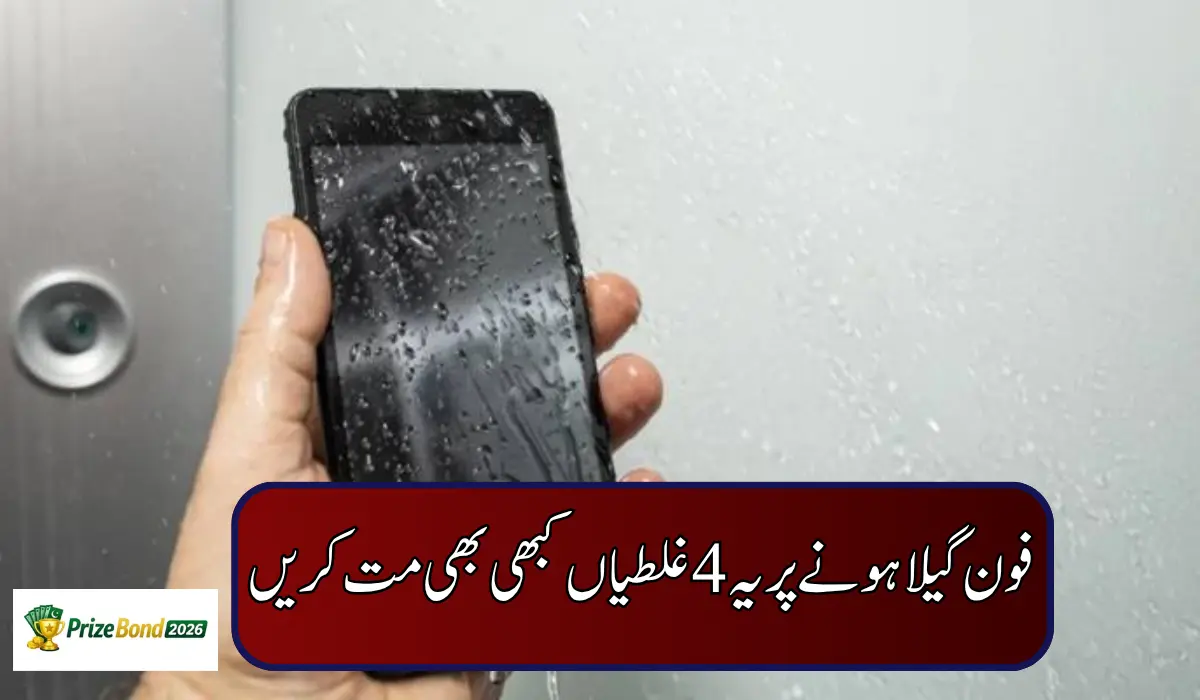
Dropping your phone in water is a scary moment. Your hand slips, the phone lands in a sink, a bucket or a puddle — and in those first few panicked minutes, most people end up doing the very things that damage the phone permanently.
Here is the truth every smartphone user should know: most modern phones are water-resistant to some extent, but they are not waterproof. That means you cannot soak them in water for long, and you certainly cannot treat a dip in deep water as harmless. On top of that, not every liquid is pure water — drinks, soapy water and other liquids leave sticky residue inside the device that plain drying cannot remove.
So if your phone ever falls into water, avoid these four mistakes at all costs.
Mistake 1: Never Charge a Wet Phone
This is the most dangerous mistake of all. If your phone is wet, never plug it into a charger. Water and electricity are a destructive combination, and charging a wet phone greatly increases the risk of a short circuit, which can fry the charging port or even the motherboard.
If charging is absolutely unavoidable, use wireless charging instead — but only if your phone supports it and its back panel is wiped completely dry. As for the wired charger, keep it away from the phone for at least 48 hours. Many phones now show a liquid-detection alert when moisture is found in the port — never ignore or override that warning just to force a charge.
Mistake 2: Do Not Bury Your Phone in Rice
The rice trick is the most famous advice on the internet — and one of the most misleading. Rice contains a lot of dust, and when you bury a phone in it, fine dust and starch particles can enter the charging port, speaker holes and other openings, creating a second problem on top of the first.
Rice also absorbs moisture far too slowly to rescue a phone with water deep inside it. Let your phone dry naturally in open air instead. If you have silica gel packets at home, placing the phone in a container with a few of those works far better than rice — without the dust.
Mistake 3: Never Shake the Phone Hard to Remove Water
It feels logical: water went in, so shake it out. In reality, shaking a wet phone hard usually makes the situation worse. Instead of coming out, the water spreads deeper into areas it had not reached — the speakers, microphones, camera modules and internal connectors.
The safe method is gentle: hold the phone with the charging port facing down and tap it softly against your palm a few times so droplets can drip out. Then simply leave the phone to dry on its own.
Mistake 4: Do Not Dry It With External Heat
Never aim a hair dryer at a wet phone, and never place it near a heater, stove or in harsh sunlight to “speed things up”. External heat damages the phone’s internals — the battery, back panel and screen are especially vulnerable, and heat can also weaken the adhesives and seals that give the phone its water resistance in the first place. Cool, moving air from a fan at room temperature is always the safer choice.
What You Should Do Instead
- Take it out of the water immediately and switch it off — do not test apps or check whether it still works
- Unplug everything — charger, earphones and cables — and remove the case
- Remove the SIM tray and memory card if your phone has them
- Wipe the outside gently with a soft, dry cloth — dab, do not rub hard
- Hold it port-side down and tap it gently against your palm to let droplets fall out
- Leave it in a dry, ventilated place, ideally in front of a fan, for at least 24 hours — 48 hours if it was fully soaked
- Charge it only when it is completely dry and no liquid warning appears
When Should You Visit a Repair Shop?
Take your phone to a service centre as soon as possible if it fell into salt water, pool water or any drink (these corrode internal parts quickly), if the screen shows lines, spots or fog under the display, if the phone heats up or the battery swells, or if the speaker stays muffled even after two days of drying. Corrosion can begin within hours, so the sooner a technician opens and cleans the phone, the better its chances of survival.